Overview
Touch-Enabled Information Displays are interactive digital solutions designed to provide instant access to information, directions, product details, and services in corporate offices, educational institutions, retail spaces, airports, museums, and public environments.
These systems combine high-resolution touch screens, responsive user interfaces, multimedia content support, and centralized content management platforms to deliver an engaging and intuitive user experience.
Built for continuous operation and multi-user interaction, these displays enhance customer engagement, reduce dependency on staff, and deliver modern, self-service information access across diverse applications.
.jpg)
Key Features & Benefits
.png)
Intuitive Multi Touch Interaction
PCAP/IR technology enables fast, accurate touch response for seamless user navigation
.png)
Real Time Information Delivery
Supports dynamic updates via CMS platforms for instant content changes across industries.
.png)
High Visibility 4K Display Quality
Commercial-grade panels with antiglare coating ensure clear readability in varied lighting conditions.
.png)
24/7 Operational Reliability
Built for continuous use with reinforced components and thermal management systems.
.png)
Cross Industry Application Versatility
Suitable for wayfinding, selfservice, check-ins, product browsing, and service information in multiple sectors.
.png)
Flexible Connectivity & Integration
USB, HDMI, LAN, Wi-Fi, and OPS compatibility enable smooth integration with enterprise systems and data sources.
Process
.png)
Site Survey & Placement Planning
Assess foot traffic, viewing angles, lighting conditions, and network availability to determine optimal display locations.
.png)
Hardware Installation
Securely mount touch displays on walls, kiosks, or stands and connect power and network infrastructure.
.png)
Software Setup & Integration
Configure content management systems, integrate databases or POS systems, and upload interactive content.
.png)
Testing, Calibration & Commissioning
Verify touch responsiveness, screen clarity, language functionality, and provide operational training with handover.
More Events
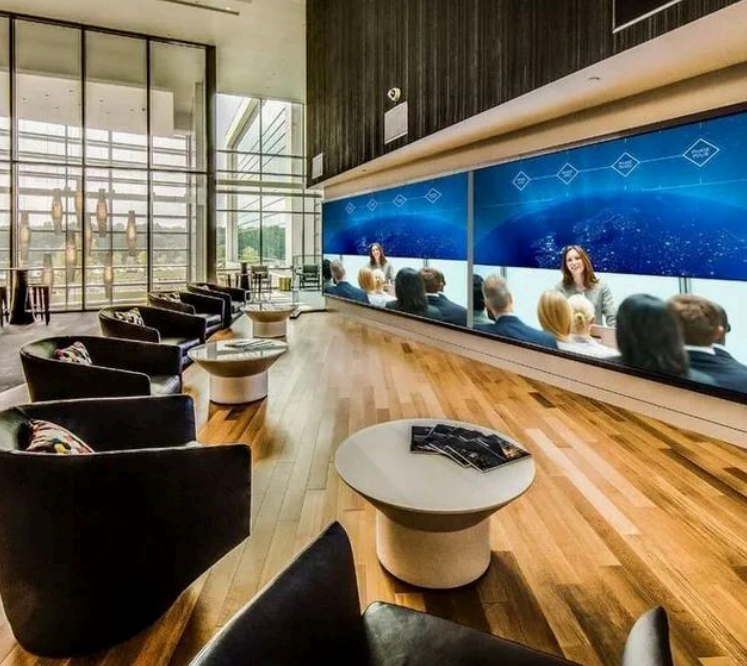 Boardroom Installation
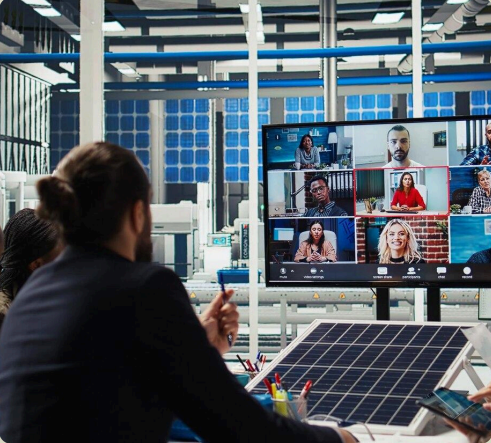 Digital Meeting Infrastructure
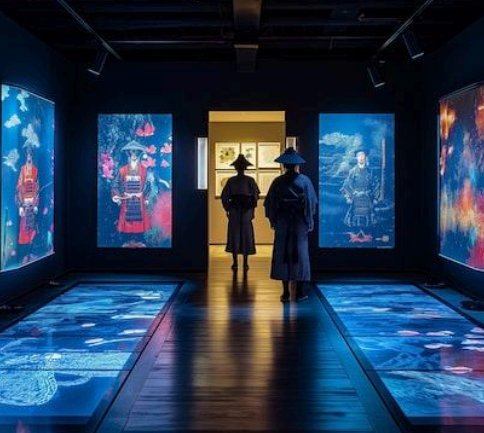 Interactive Walls
 Conference Room Solutions
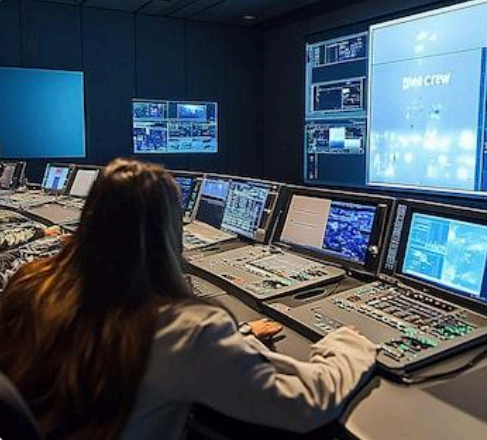 Command & Control Center
 LED Video Wall & Signage
 Enterprise LED Display
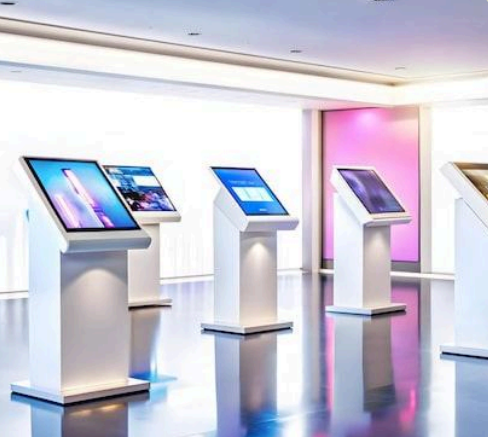 Interactive Display Stand
 Touch Enabled Display
.png) Auditorium Integration
Auditorium Integration
.png) Interactive Learning
Interactive Learning
.png) Smart Class Solutions
Smart Class Solutions
.png) Professional Sound / PA
Professional Sound / PA
.png) Digital Lecture Podium
Digital Lecture Podium
.png) Acoustic Insulation Systems
Acoustic Insulation Systems
.png) Modern Laboratory Systems
Modern Laboratory Systems
.png) Security & Surveillance
Security & Surveillance
.png) Substation Automation
Substation Automation
.png) Tunnel Operations Management
Tunnel Operations Management
.png) Airport AV Integrations
Airport AV Integrations
.png) SCADA Integration
SCADA Integration
.png) Tech Parks AV Systems
Tech Parks AV Systems
.png) Real Estate AV
Real Estate AV
.png) Malls & Theme Parks
Malls & Theme Parks
.png) Facade Illumination
Facade Illumination
.png) Light & Sound Shows
Light & Sound Shows
.png) Video Wall Solutions
Video Wall Solutions
.png) Museum AV Solutions
Museum AV Solutions
.png) Planetariums AV
Planetariums AV
.png) Live Event AV Technology
Live Event AV Technology
.png) Outdoor LED Displays
Outdoor LED Displays